Six tools you reach for ten times a day, collapsed into one click.
Instant Placeholders
Pick a source from custom sized placeholders, real photos, or generated avatars, set the size and format, then copy the URL or download the image directly to your computer.
Launch the system eyedropper to grab any color from your screen. Keeps the last 5 samples as swatches, shows shades/tints, harmony colors, and copies as HEX, RGB, HSL, or SwiftUI.
Generate placeholder text by words, sentences, or paragraphs with a count stepper and live preview. Regenerate and copy in one click, without loading bulky web generators.
Search over 200,000+ developer icons across Lucide, Heroicons, Tabler, Material Design, and more. Copy inline SVGs, base64 Data URIs, or download SVG files in seconds.
A PopChar-style picker for special characters. Browse curated categories — arrows, math, punctuation, marks, box-drawing, currency, legal — or search by name/keyword. Click a glyph to copy it; the last 12 used stay in a persisted Recent row.
Paste text and transform it in place — sort lines (A→Z, Z→A, by length), trim whitespace, remove blank lines, dedupe lines, or strip a set of characters — then copy. One-shot buttons, with a hint under each section.
Color Grabber
Sample Text Generator
Icon Finder
Glyphs
Text Tools
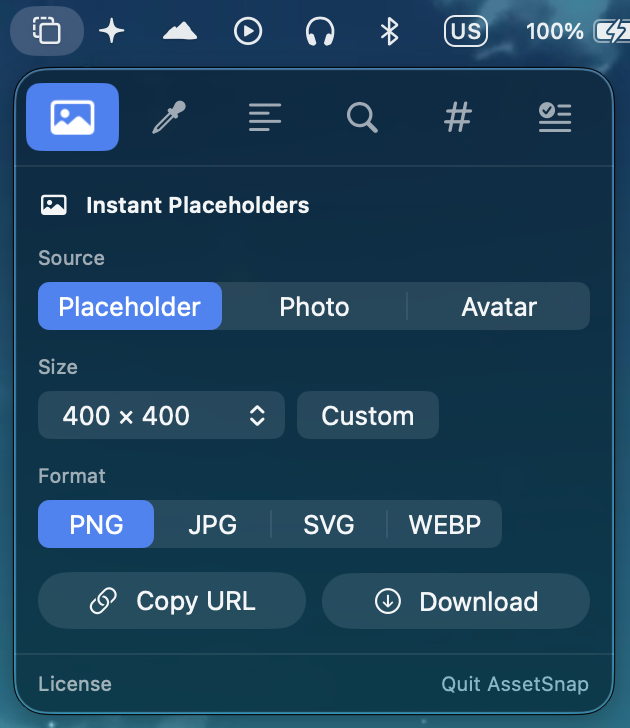
Actual macOS menu bar dropdown screenshot
Instant Placeholders
⌘1Pick a source from custom sized placeholders, real photos, or generated avatars, set the size and format, then copy the URL or download the image directly to your computer.
Color Grabber
⌘2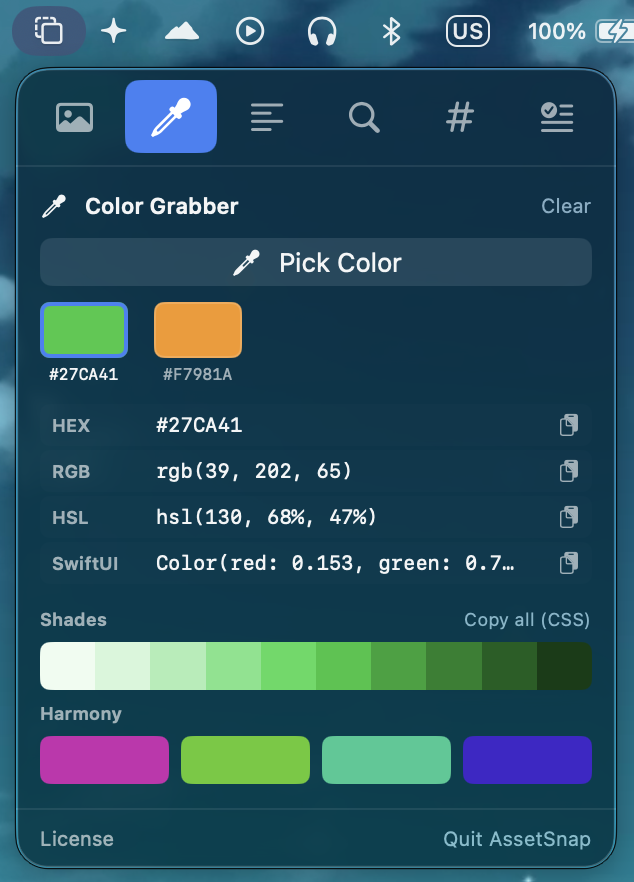
Launch the system eyedropper to grab any color from your screen. Keeps the last 5 samples as swatches, shows shades/tints, harmony colors, and copies as HEX, RGB, HSL, or SwiftUI.
Sample Text Generator
⌘3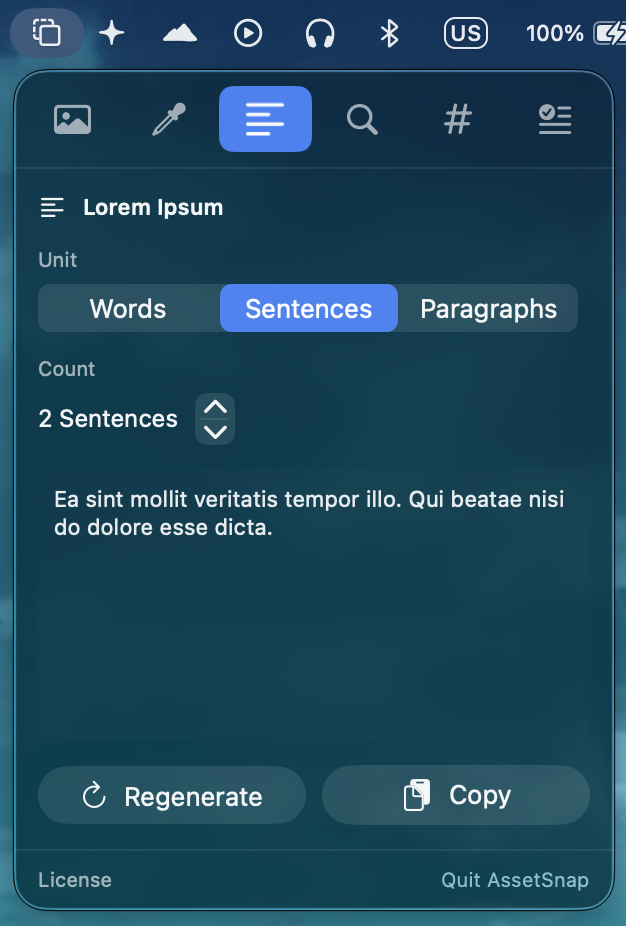
Generate placeholder text by words, sentences, or paragraphs with a count stepper and live preview. Regenerate and copy in one click, without loading bulky web generators.
Icon Finder
⌘4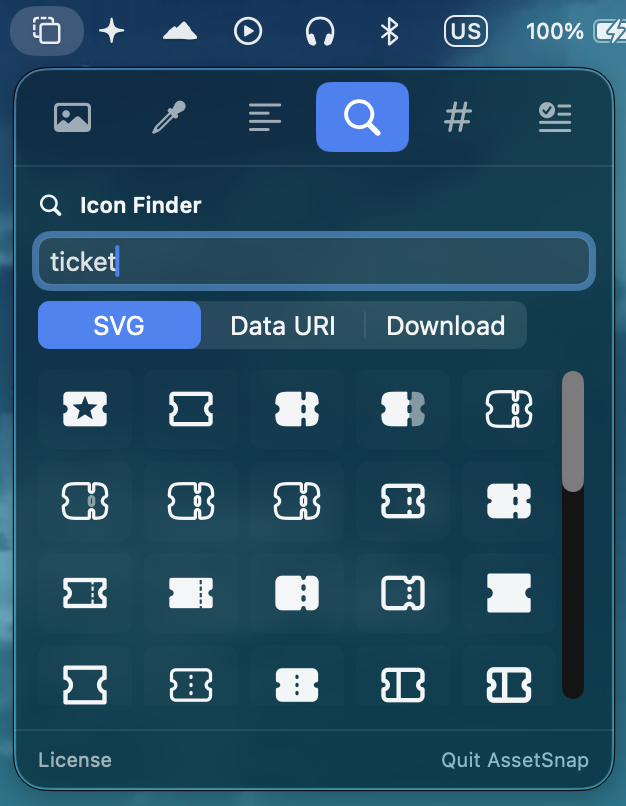
Search over 200,000+ developer icons across Lucide, Heroicons, Tabler, Material Design, and more. Copy inline SVGs, base64 Data URIs, or download SVG files in seconds.
Glyphs
⌘5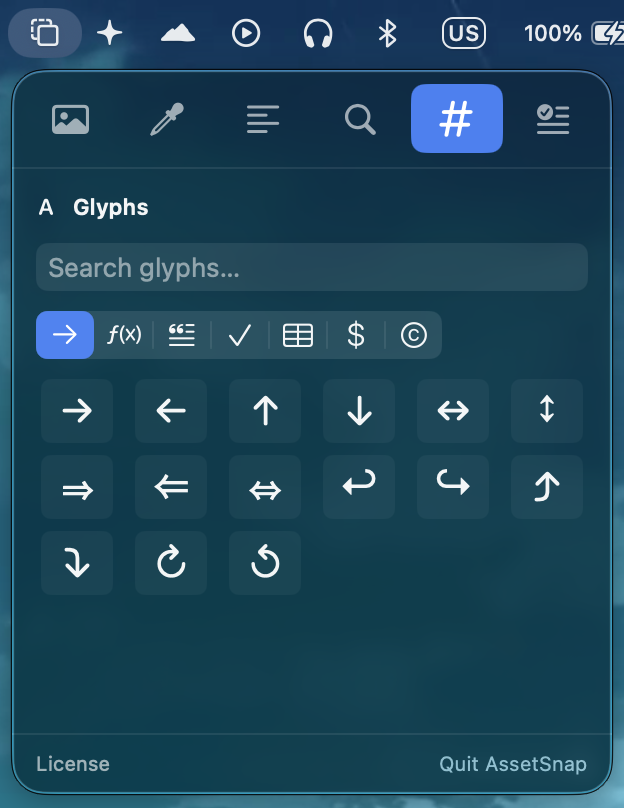
A PopChar-style picker for special characters. Browse curated categories — arrows, math, punctuation, marks, box-drawing, currency, legal — or search by name/keyword. Click a glyph to copy it; the last 12 used stay in a persisted Recent row.
Text Tools
⌘6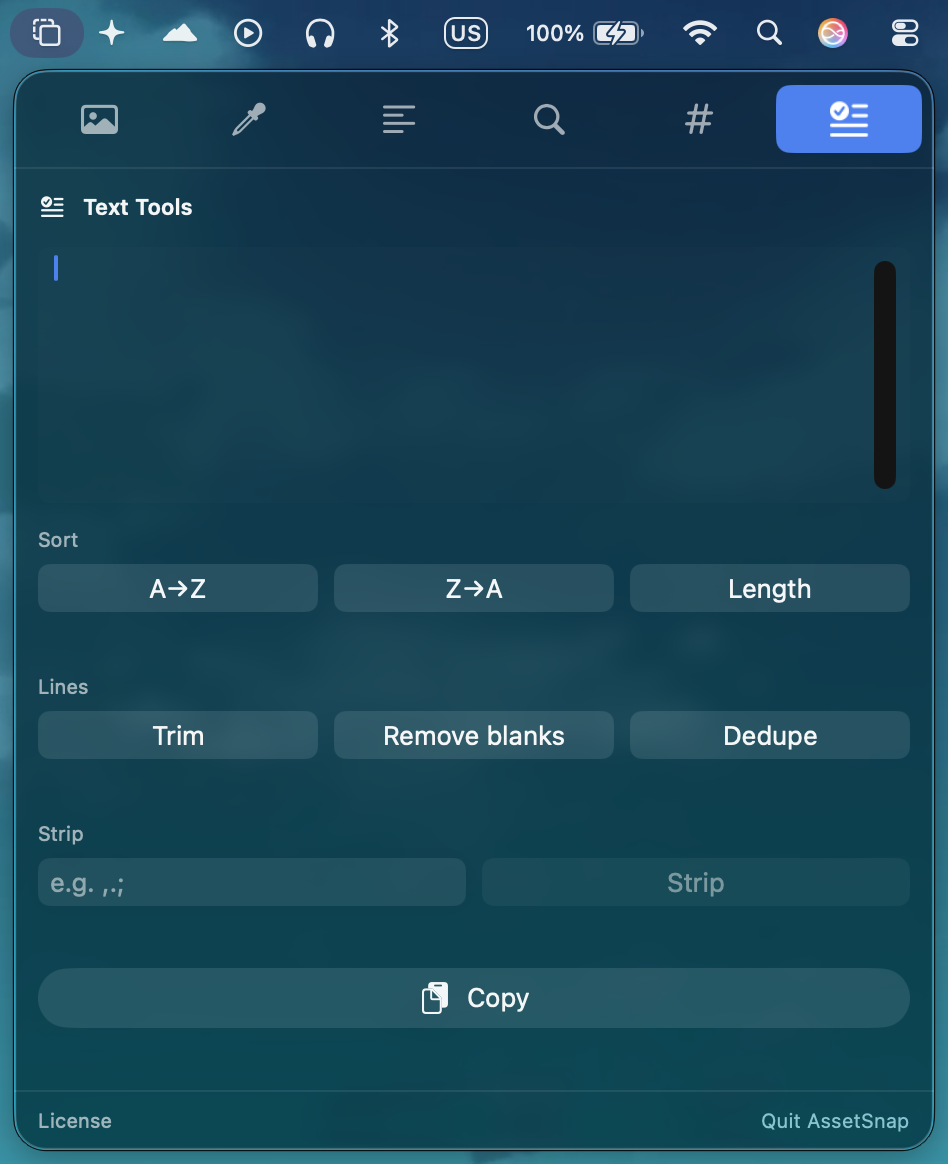
Paste text and transform it in place — sort lines (A→Z, Z→A, by length), trim whitespace, remove blank lines, dedupe lines, or strip a set of characters — then copy. One-shot buttons, with a hint under each section.